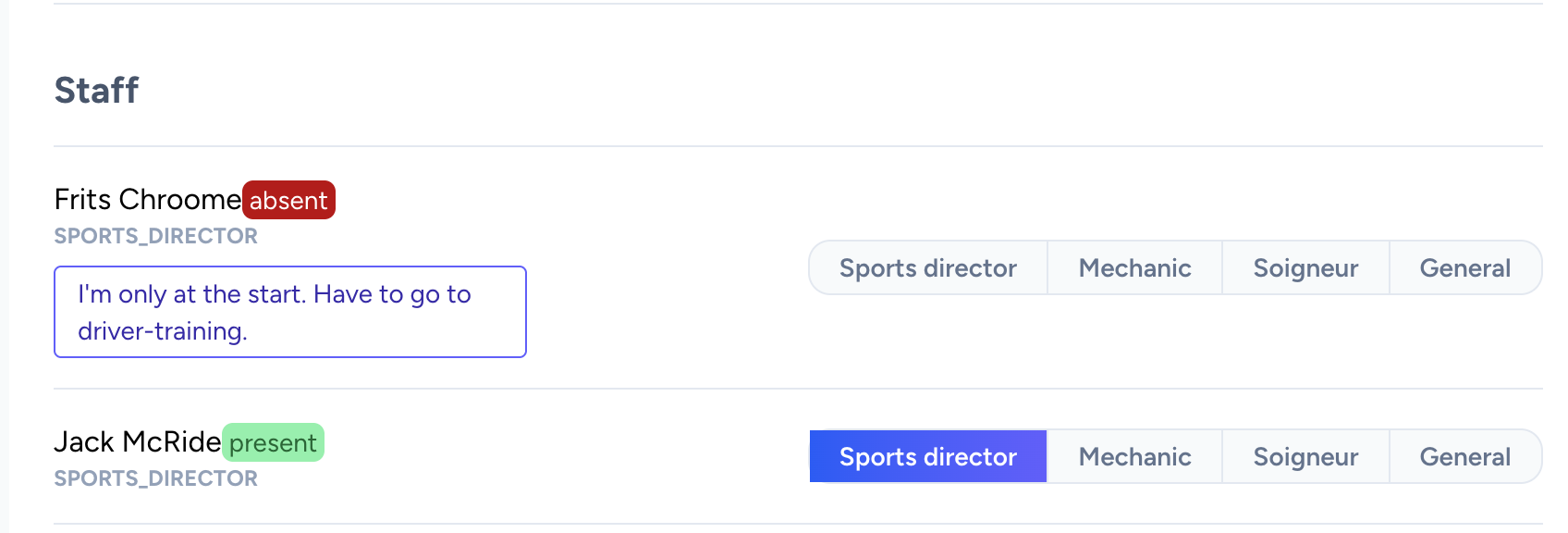
Making notes on availabilities
Sometimes you find yourself in the situation that you are only able to join one event in a weekend or do you need to make sure that you're only available until a certain time or day. When you submitted your preferences in the event list, a speech bubble appears next to your preference or availability state. When you click on it, you are able to add a note to give more context to your submitted preference.
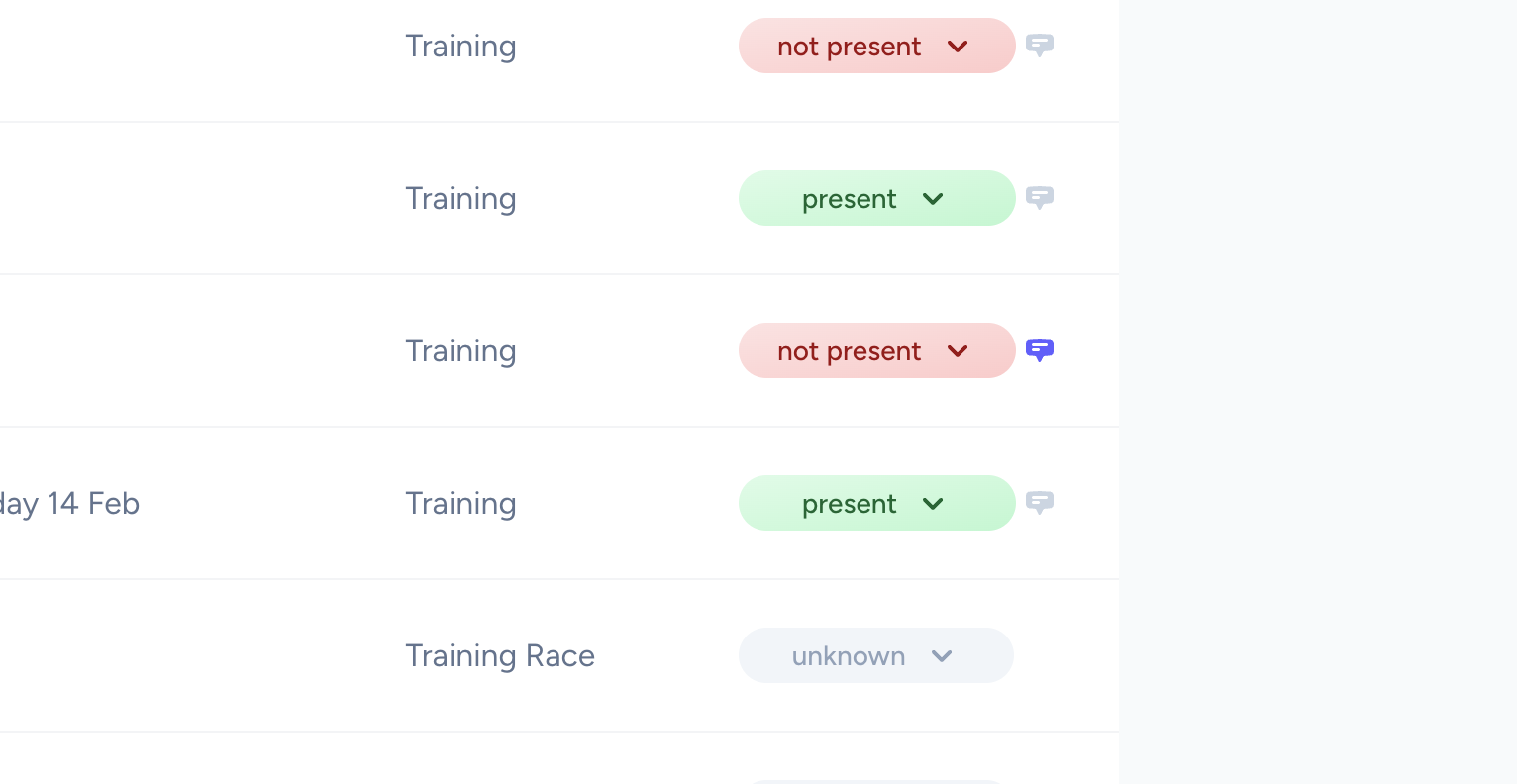
When the speech bubble is colored indigo, your note has been saved. To clear your note again, just remove the content and save the note. Your team management will see your notes when they are in their scheduling overview.