Planning your day
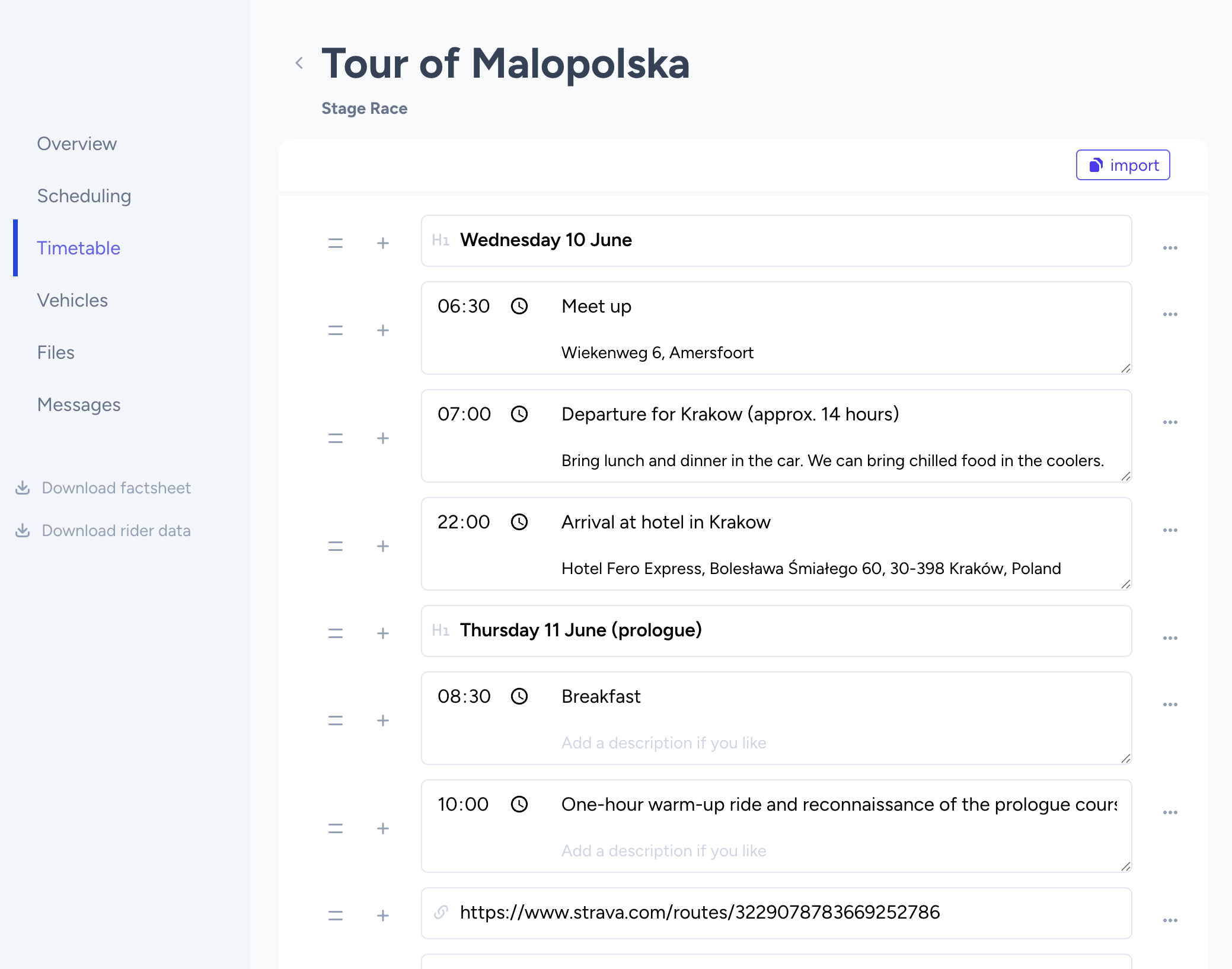
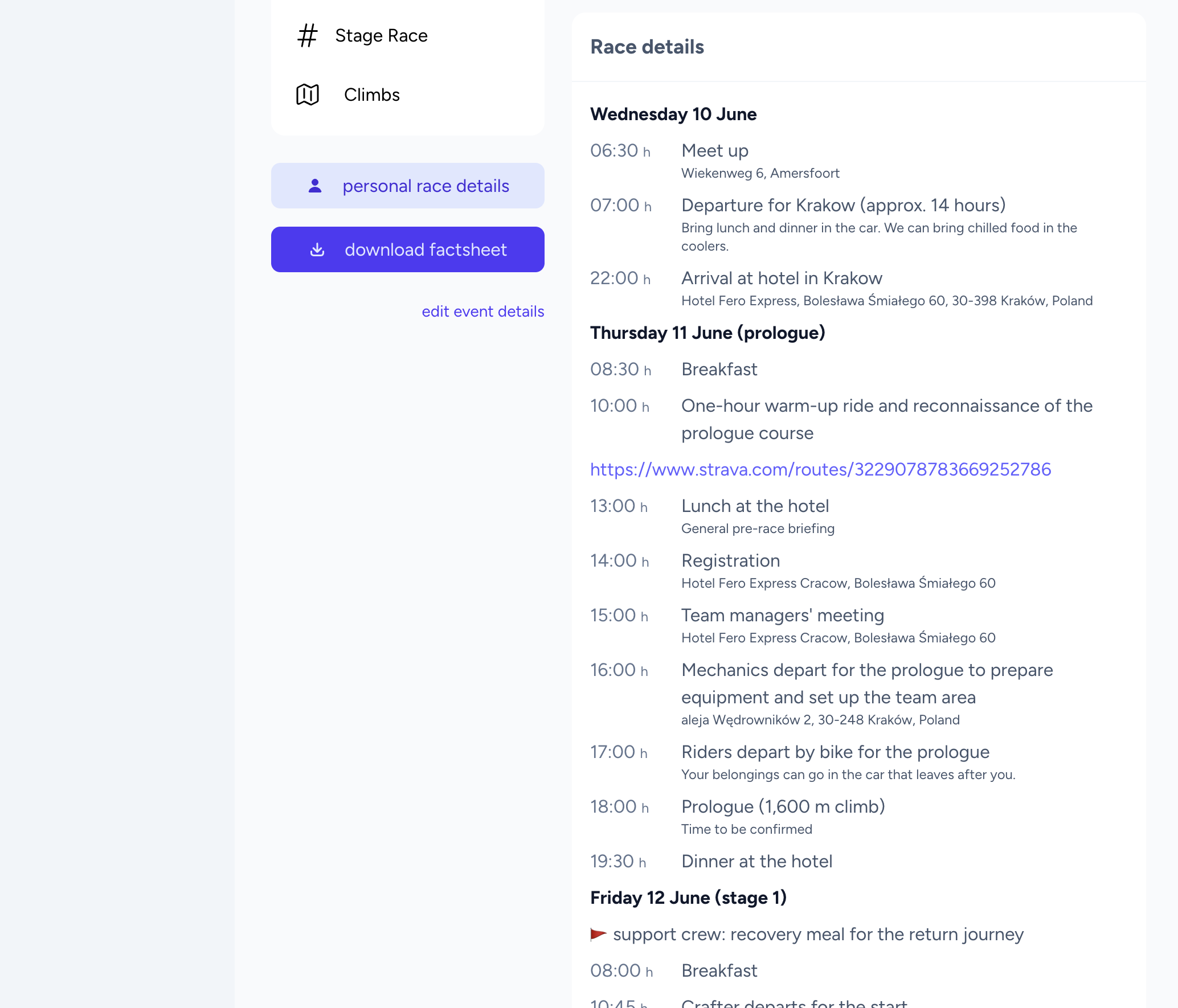
After setting up an event, it is time to create the timetable for the event. The timetable can only be edited by sports directors and can be seen by everyone on the event overview page. You can add time-entries, headers, links, lists and paragraphs. All together you can create a clear schedule for a single day or even a multi day stage race.
Editor
You can start editing from the 'timetable' tab in the event pages. When you first start off, you'll find the empty state that guides you to the first entry. You can hit a button to create your first timetable entry. You are free to choose any entry type you need. You can re-arrange the entries by dragging them by the double-bar icon on the left side of the entry.
If you need to put an entry between two items, hit the plus-button on the left and select the entry type to add an entry after the selected one. Duplicating entries is possible with the little sub-menu at the end of an entry.