Sending event messages
New event on your schedule or maybe just an event that is canceled by the organizer? Inform your whole team by email about some changes by sending event messages. You can also choose to only inform the persons on the last pusblished schedule.
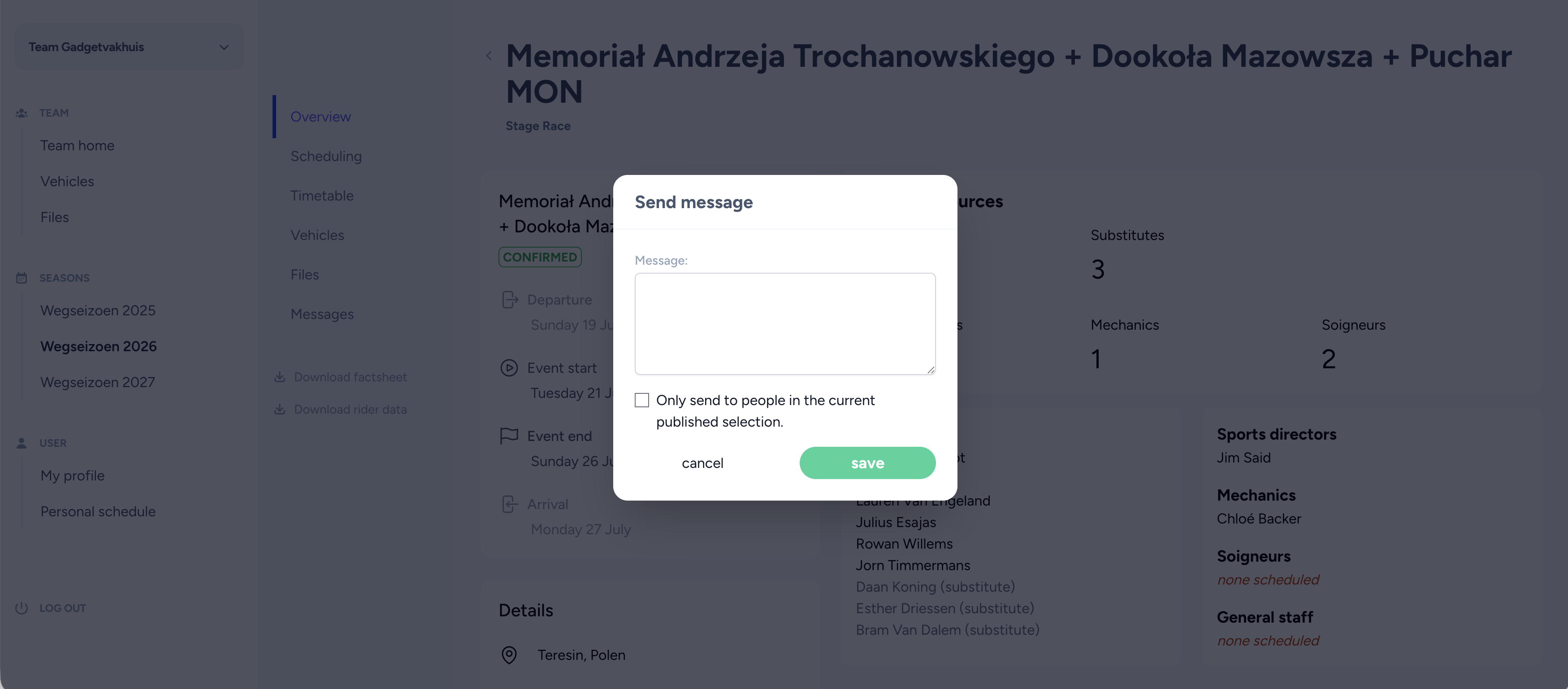
You can send messages from the event detail page by hitting the 'send event message' button. In the modal you can write the desired message. By default we'll send the message to everyone in your team. You can check the box if you only would like to send the message to everyone in the current published selection.
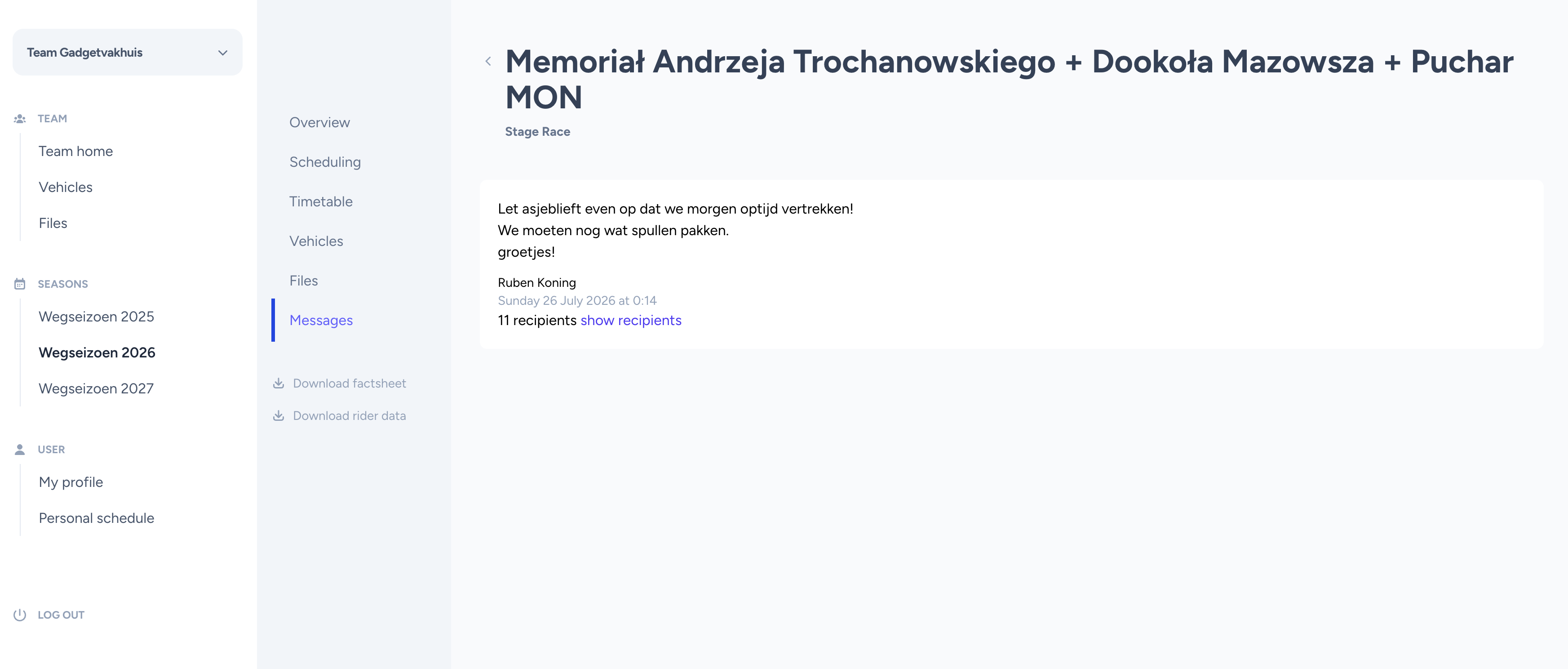
After sending you are able to view messages that has been send in the past. You can see when and who send the message and whom it was addressed to.